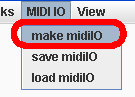
Currently, you can map a MIDI controller to control only one special parameter in LEMu2: the morph index of the currently playing morph (ie, the position of the little green ball that moves from one pattern to the other, indicating where the morph is up to) . Heres how:
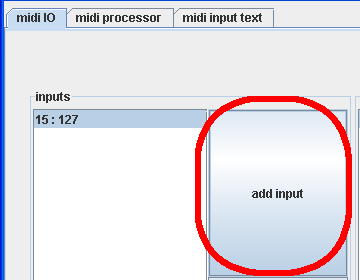
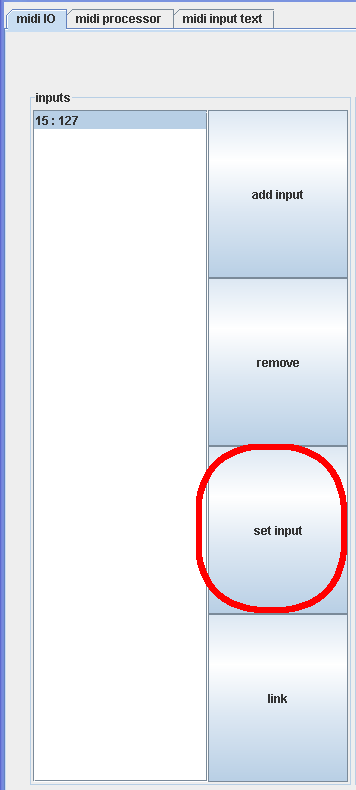
4. in the new popup window, click "learn MIDI". (Note that with these little windows, you have to exit them before you can back to another window):
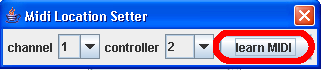
5. Then move the MIDI controller that you want to use to control the morph position. When you have moved it, click stop learn:

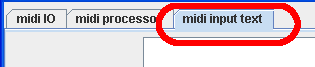
6. To make sure you are recieving MIDI you can check what MIDI is coming in using the midi input text tab
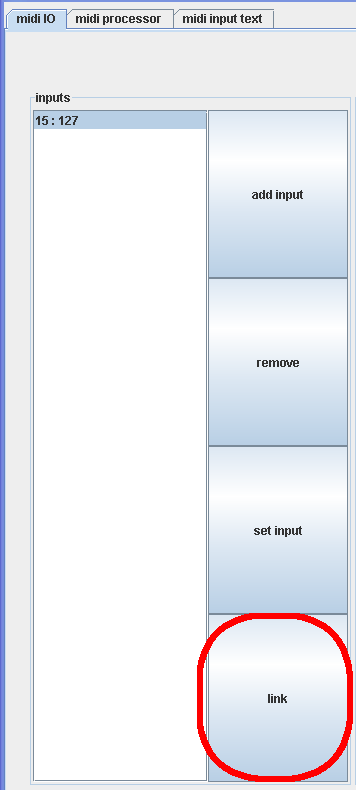
7. Now that the MIDI input is set, we need to make it control something (the morph position). Click the "link" button:
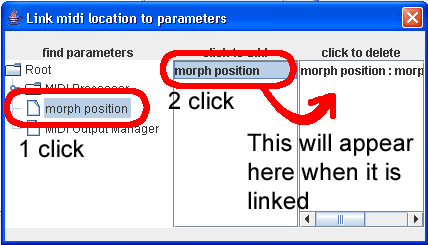
8. In the "link midi location to parameters" window, click on "morph position" on the left, then "morph position" in the middle, and you will see another morph position appear on the right. Don't click this right hand side one unless you want to remove the link.
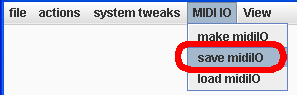
9. Get rid of the MIDI IO window. Now that MIDI input is set to control the morph index you should save the settings (midi settings need to be saved separately at the moment)
Done!