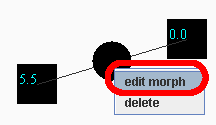
To edit the morph, right click on the black ball that is the morph, and select "edit morph":
This will bring up the Morph Editing panel. In the morph editing panel, if you want to hear the morph, click 'Preview' from the 'Actions' menu:
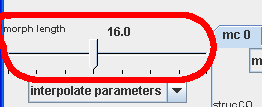
Another useful thing to do is to change the length of the morph. The default length is 16 beats:
For more information about what all the other parameters do, see Morph Editor - Advanced