Editing Patterns
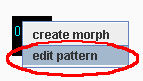
To edit your pattern, right click on it and select "edit pattern" from the popup menu.
This will bring up LEMu's very own MIDI sequencer. You can add notes to the pattern simply by clicking in the area on the right. Dragging as you click will make the notes longer or change the pitch. To remove a note, right click on it.
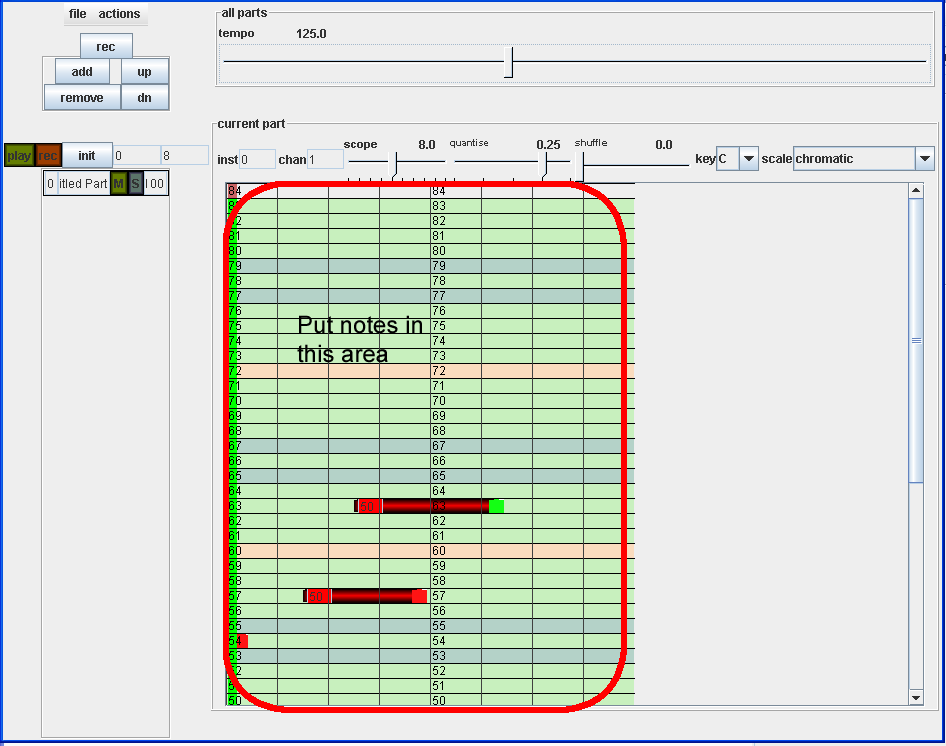
Remember that 60 is middle C, and there are 12 tones per octave. The tonic (C) is highlighted in "lightish red" (a red vs blue reference). While the perfect 4th and 5th intervals are blue.
If you want to play the music of this pattern, go to the actions menu within the editor and click preview:
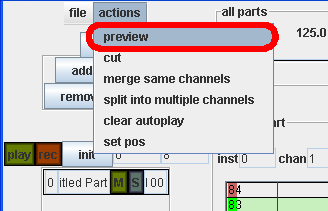
This will make the pattern you are editing to be the currently playing pattern. (so it will keep on going, as though you had clicked on it from the music area).
To change the velocity of a note, hold down ctrl and right click on the note. A velocity slider will popup.
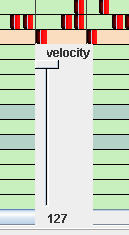
When you move the mouse over the note again, the popup will dissapear.
For more detailed explanations of the features of the pattern editor, goto Pattern Editor - Advanced