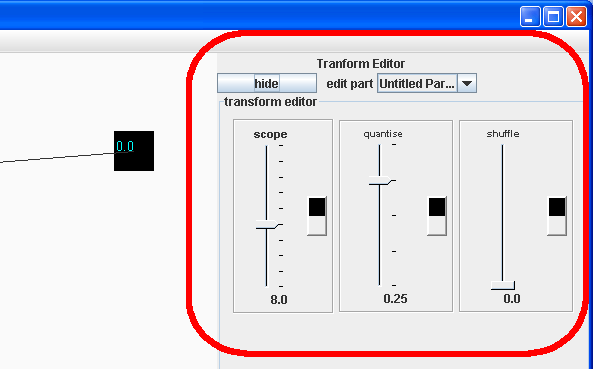
The transform editor is in the panel on the right:
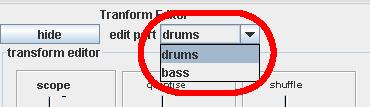
Using the drop down menu called "edit part", you can select which part in the currently selected pattern you want to transform (to create more parts you need to edit the pattern):
Scope controls the length of the loop, quantise controls the accuracy level (grid spacing) of the rhythm and shuffle creates a swing feel by delaying any notes that fall on every second grid space (grid spacing determined by quantise).
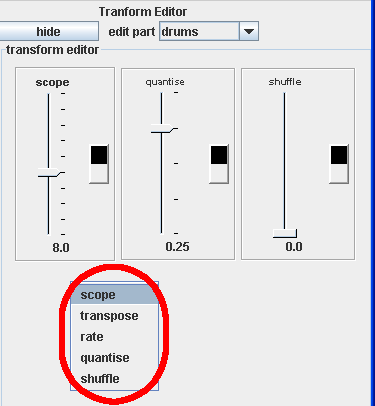
There are two other transformers: rate and transpose. If you want to add them to the chain of tranformers for this pattern, right click somewhere on the transform editor area:
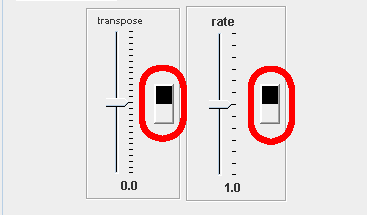
You can delete an unwanted transformer by right clickin on the back and white handle: