Adding patterns to the Music Area
The music area is the large white area that you can see. You can make new patterns on it by right-clicking anywhere on it. A little pop-up window will appear saying: "add pattern":
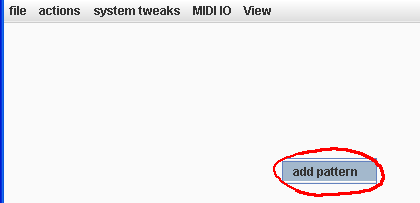
When you click on it, a pattern will be added:
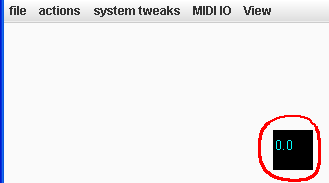
You can move it around anywhere on the music area, because it is your little pattern.
To make the pattern play, you can either click on it once without dragging or you can press "go" from the actions menu. Stop will stop it. 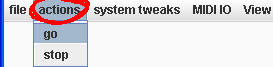
The pattern will only have a single random note in it if it has been newly created. You can put more notes in by editing them (see editing patterns).
Cute little pattern!